How Do I Make a Word Search? (Easy Guide + Free Printable Options)
Introduction
Word searches are simple, calming and perfect for classrooms, rainy afternoons and long journeys — but creating your own can feel confusing if you’re not sure where to start.
The good news: there are a few easy ways to make a word search, and you don’t need to be “techy” to do it.
In this guide, I’ll show you:
how to plan a great puzzle
how to make a word search by hand
how to make one on a computer
how to create printable puzzles in minutes
And along the way, I’ll share a free tool you can use if you want to save time.
Step 1: Choose a theme
A good puzzle starts with a clear topic. Themes make your puzzle more fun and more organized.
Ideas:
Animals
Countries and cities
School subjects
Food
Seasons and holidays
Write down around 10–15 words linked to your theme.
Tip: shorter words are great for younger children.
Longer words work well for adults and older kids.
Step 2: Decide who it’s for
Think about the person solving it:
Children → bigger letters, simpler words
Adults → more challenging layouts
Seniors → large print and clear spacing
Design becomes much easier once you know the level.
Step 3: Option 1 — Make a word search by hand
This is the classic way and works well for quick puzzles.
Draw a square grid on paper (10×10 is a good size)
Write your words into the grid (across, down, and diagonally)
Fill the empty spaces with random letters
Write the word list under the grid
It takes longer, but it’s great for crafts, classrooms and personal puzzles.
Step 4: Option 2 — Make one on a computer
You can create a puzzle using:
Google Sheets
Excel
Any table editor
Type letters into each square, then print the sheet.
This works well, but layouts can be fiddly — especially if you want it to look neat.
Step 5: Option 3 — Use an online word search maker
If you want something printable and tidy, an online generator is the quickest option.
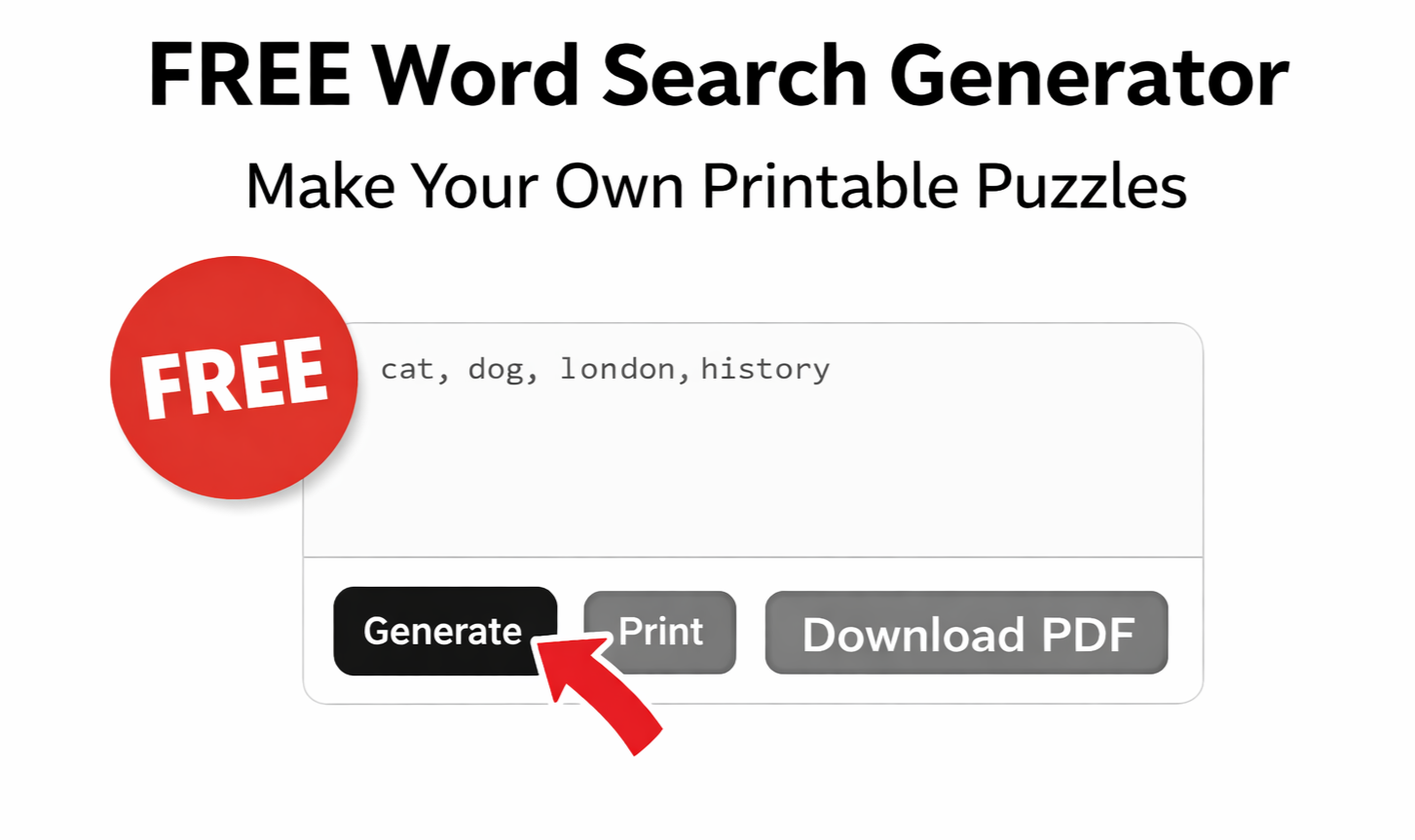
You simply:
Enter your word list
Choose difficulty
Generate
Print or download
You can try ours here (free to use):
👉 Free Word Search Maker – Create Printable Word Searches Online — puzzlebook.store
You can create unlimited puzzles and print them straight away.
Extra tips for better puzzles
✔ Mix short and long words
✔ Don’t make every word obvious
✔ Leave some space around the grid
✔ Test it yourself before printing
A puzzle should feel challenging — but fair.
FAQ
Are word searches good for learning?
Yes — they help with spelling, concentration, vocabulary and pattern recognition. They’re great for both children and adults.
Do I need special software?
No. You can make them by hand, with a spreadsheet, or with an online generator — whatever suits you best.
Can I print my word searches?
Absolutely. Handmade puzzles photocopy well, and online generators usually include a printable version.
Prefer ready-made puzzles?
If you don’t have time to make your own, we also have printable puzzle packs you can download instantly and use at home or in class.
Browse here:
👉 Store — puzzlebook.store